> For the complete documentation index, see [llms.txt](https://docs.centousapps.com/insureful/llms.txt). Markdown versions of documentation pages are available by appending `.md` to page URLs; this page is available as [Markdown](https://docs.centousapps.com/insureful/app-set-up/email-templates/how-to-generate-an-api-key..md).
# How to generate an API key.
Here is the step-by-step guide of how to create a flow in Klaviyo.
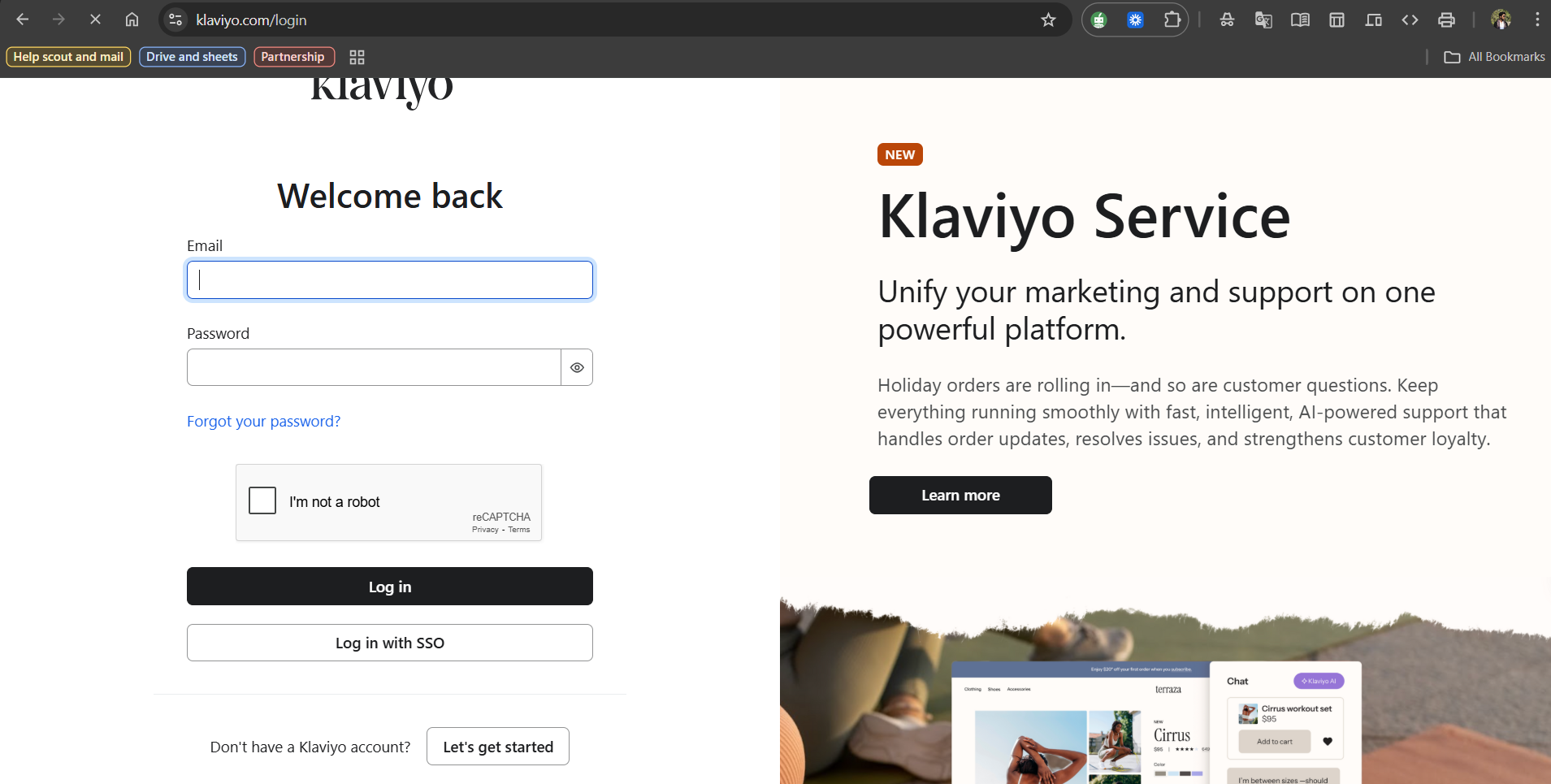
#### **Step 1: Log in to Klaviyo.**
* Go to the Klaviyo site and log in or sign up with your email and register your store.
#### **Step 2: Build the API key.**
* Go to settings and then go to API keys.
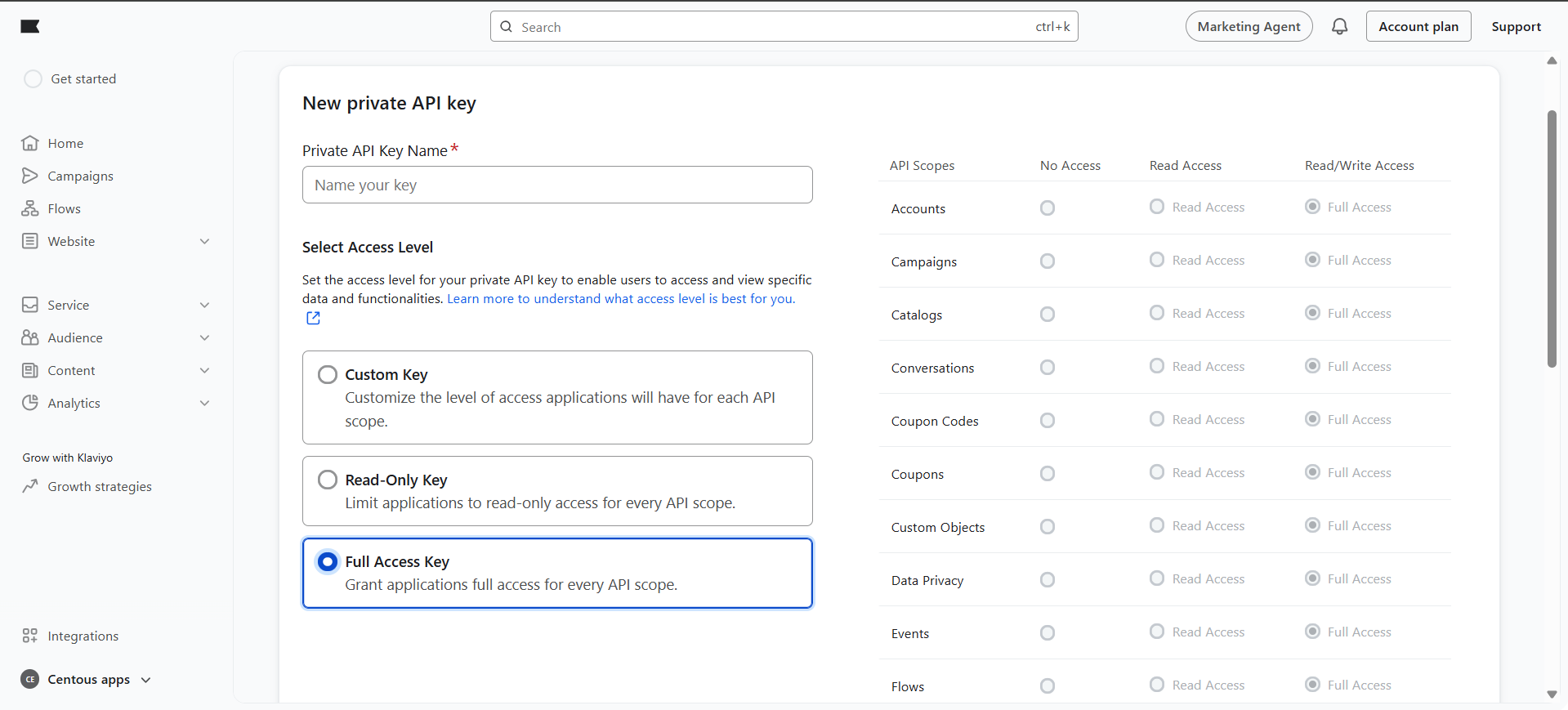
#### **Step 3: Create private API keys.**
* Name your API key.
* Click on the Full Access key.
#### **Step 4: Copy your private key and paste it in the Insureful app's email template section.**